Key takeaways
Understanding how to effectively log in and manage your e-Schooling account is essential for a smooth online learning experience. This article provides practical steps for logging in, troubleshooting common issues, and enhancing account security, ensuring students can focus on their education without technical distractions.
- 10 million college students in the U.S. took at least one online class in 2022 (Forbes).
- Use a strong password of at least 12 characters, combining letters, numbers, and symbols to enhance account security.
- 70% of K-12 students had access to digital tools necessary for online learning in 2023 (ThinkImpact).
- Enable two-factor authentication (2FA) to significantly reduce the risk of unauthorized access to your e-Schooling account.
Contents
10 million college students took at least one online class in the United States in 2022, according to Forbes. 70% of K-12 students have access to digital tools necessary for online learning in 2023, according to ThinkImpact.
e-Schooling account is an account on a digital learning platform. These platforms are a resource for students, parents, and educators in the online learning process.
How to Login to Your e-Schooling Account?
Login is the first step in the learning process using digital platforms. We’ll overview how to login to an e-Schooling account.
What Are the Steps to Access My e-Schooling Account?
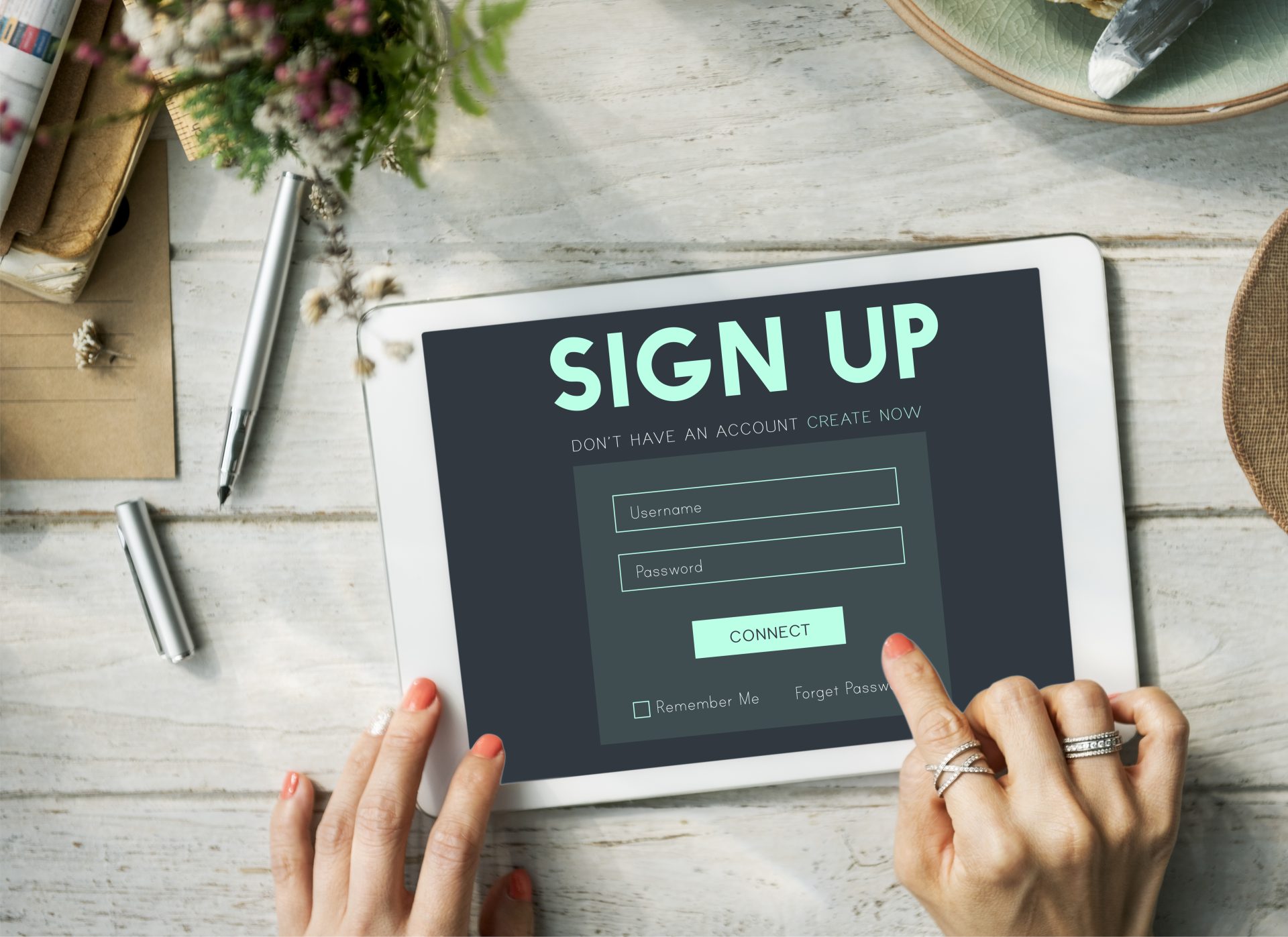
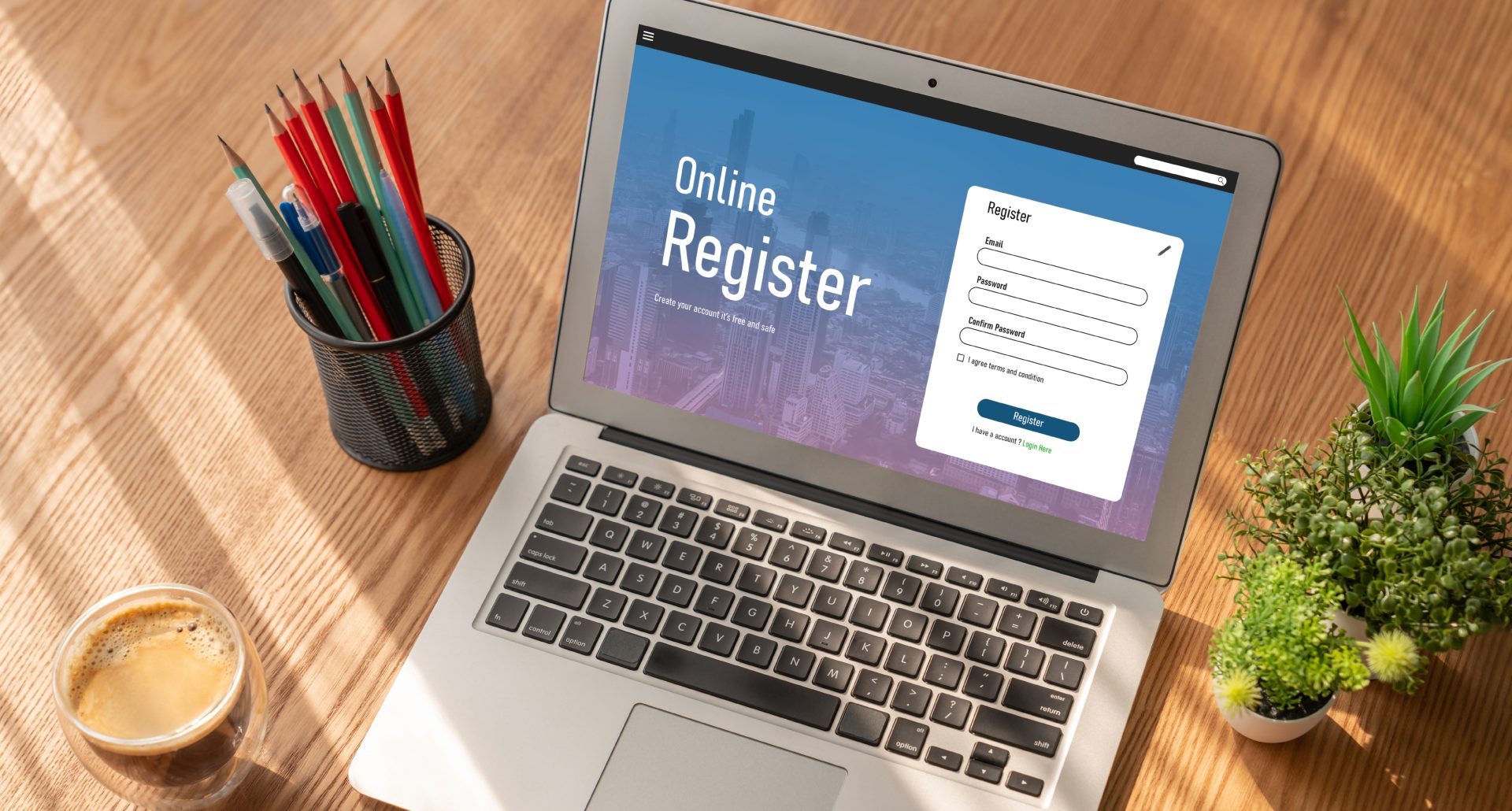
School will provide students with a link for a learning platform. Students need to follow this link to open a learning platform’s main page where they can login to an e-Schooling account. Students need to enter a registered username or email address and password in the fields on webform. Schools will provide students this information for the first time to login or give instructions on how to register.
Click the Login button to access your account once the information is entered. Sometimes learning platforms have features, like two-factor authentication (2FA). Students need to follow some extra steps, for example, enter one-time code from Google Authenticator.
What If I Forget My e-Schooling Account Password?
Forgetting passwords is a common issue for a lot of users. Password recovery process helps to solve this issue in simple steps:
- Go to the login page using the link the school provided
- Find the Forgot Password? link or button
- Enter a registered email and submit it
Some learning platforms require users to have password recovery questions for security reasons. Check the inbox for a password reset link or code, and follow the instructions to create a new password. Return to the login page after and use the new password to access the account.

Can I Login to My e-Schooling Account from Any Device?
Many e-Schooling platforms are created to be used with various devices. Students need to open a web browser or download the official app on their laptop, smartphone, or tablet. Students can login for their e-Schooling account as usual. It is recommended not to save credentials on shared or public devices and logout after usage. This keeps the e-Schooling account safe. Learning platforms sometimes limit the number of logins. Check the terms before adding a new device.
What to Do If You Encounter Login Issues?
Login issues are frustrating, but often fixed easily. Let’s take a look at how to deal with the most common logging problems.

Why Is My e-Schooling Account Not Letting Me Log In?
There are different reasons why your e-Schooling platform denies your access. Check your username and password. Even minor typos prevent successful login to your e-Schooling account. If you are unsure about your password, use the password recovery process to create a new one.
Poor internet connection often leads to login errors. It’s the second common problem during login. Sometimes you need to clear your browser’s cache and cookies to resolve issues caused by outdated session data.
Check for system maintenance announcements on your school’s or platform’s website if you receive system errors during your login.
How to Troubleshoot Common Login Problems?
Start by double-checking your login credentials for typos or capitalization errors. Learning platforms often provide error messages for problems with login. It often includes the reason why the platform denies you access, like an incorrect password.
Sometimes your account can be locked due to multiple unsuccessful login attempts. Platforms often show a message about this and the time when you can try to login again. Disable any browser extensions or ad blockers. It can conflict with the platform’s functionality. Sometimes the best option is to test access from another device or browser to find hardware or software compatibility issues.
Contact your school’s IT department or platform support if you can’t find the solution. Provide them details like error codes or screenshots.
Who Can I Contact for Help with My e-Schooling Account Login?
Online schools usually have technical support options for their students. Legacy Online School is an example of a school providing full support for students. Learning Support Specialists (LSS) can help students with any questions or problems. Technical support is available for students and parents 24/7. Legacy Online School’s online learning platform is easy-to-use and designed to be accessible to students of all technical abilities. This approach allows students to have less technical issues during online learning.
Understanding e-Schooling Account Security
Security is a very important thing during online learning. Students need to know how to stay safe using an e-Schooling account.
What Security Measures Are in Place for My e-Schooling Account?
Most platforms use encryption to secure user information during login and data transmission. Some learning platforms provide automatic session timeouts to prevent unauthorized access on shared devices. Students need to use trusted devices and secure networks when accessing an e-Schooling account. Students are recommended to update their passwords regularly and to report any suspicious activity to their school’s IT support.
How to Create a Strong Password for My e-Schooling Account?
Creating a strong password is necessary. A password is better be at least 12 characters long to resist brute-force attacks. Use a combination of uppercase and lowercase letters, numbers, and special characters to make password complex.
Students are recommended to use a passphrase for passwords. Passphrase is a combination of words or a sentence. This makes the password unique and strong. Passphrases are a good solution because they are easy to remember even for younger students. Learning platforms provide password strength indicators to guide students in creating strong passwords.
Is Two-Factor Authentication Available for My e-Schooling Account?
Two-factor authentication is an important security feature available on many e-Schooling platforms. This system requires students to verify their identity through two separate methods, typically a password and a secondary code sent via email or special application. Navigate to the security settings in the e-Schooling account to activate 2FA, and follow the setup instructions. Enabling 2FA significantly reduces the risk of unauthorized access and helps to stay safe during learning even with multiple devices.
Managing Your e-Schooling Account Settings
The e-Schooling accounts are often customizable and flexible. We’ll describe how you can manage an e-Schooling account.

How Can I Update My Profile Information in My e-Schooling Account?
e-Schooling platforms provide students with profiles with their personal information. Students who want to make some changes need to login to their e-Schooling account and go to the Settings page. Sometimes students can change only information about their preferred name, photo, and some other details. Important data, such as their legal name, email, and parents’ contacts, should be updated with their school’s support services.
What Settings Can I Customize in My e-Schooling Account?
Many learning platforms allow students to set a timezone and preferred language. Accessibility features such as text color, size, and contrast help students to learn better. Some platforms provide advanced privacy settings, allowing students to choose parts of their profile to display. Students can customize their dashboard page, set pace of their learning, color theme, and add new widgets. Most of the learning platforms offer personalized schedules and learning materials.
How to Manage Notifications and Alerts in My e-Schooling Account?
Managing notifications help students to stay informed without being overwhelmed. Platforms often send notifications about coursework, important updates, learning schedules, and planned lessons. Students can decide how and when to get these notifications. Many platforms allow students to choose a channel for each notification type. Students usually choose to have updates with email, in-app alerts, or messengers like Whatsapp. Sms is a channel for something very important. Platforms often allow to mute notifications during non-study hours to separate learning from relaxation.
Benefits of Having an e-Schooling Account
An e-Schooling account is necessary for online learning. Let’s focus on the benefits of these accounts for online learning.
What Advantages Does an e-Schooling Account Offer?
e-Schooling accounts provide students and parents with access to digital resources, including course materials, multimedia lessons, and interactive quizzes. Parents are able to view the academic performance and progress of their students. Students get the opportunity to customize their learning path with personalized schedules and self-paced features. Learning platforms allow students to connect with peers and teachers, providing them interactive experience. e-Schooling accounts offer students flexibility, giving an opportunity to use multiple devices during learning.
How Does an e-Schooling Account Enhance My Learning Experience?
An e-Schooling account provides a structured and interactive environment. Learning platform offers assessment, video, text and audio materials, interactive lessons, and grades in one place. e-Schooling accounts offer personalized and flexible learning experience. Students with these accounts have the opportunity to revisit lessons, use interactive materials, like virtual labs, quizzes, and group projects. Learning platforms integrate calendars and schedules, providing reminders and notifications to keep students on track. e-Schooling accounts give a new level of learning personalization and customization.
Can I Access Additional Resources Through My e-Schooling Account?
e-Schooling accounts often have access to different learning materials on the platform. These platforms usually provide additional resources to support learning and make it more deep and effective. These resources include video lectures, ebooks, or apps. Some platforms integrate third-parties learning courses or resources. Additional resources can be designed to meet specific students needs, such as career oriented programs, extracurricular modules, or advanced materials for gifted students.